Joystick Mode SwitchingUpdated 4 months ago
Joystick Mode Switching
The Neo-Arcade board allows you to change the function of your joystick, enabling it to behave as any one of:
- D-pad (generally recommended)
- Left stick
- Right stick
Sometimes it's helpful to be able to test the controls and understand definitively which setting the joysticks are using. See this guide for testing: https://polycade.gorgias.help/en-US/testing-joysticks-and-buttons-1110171
D-pad mode
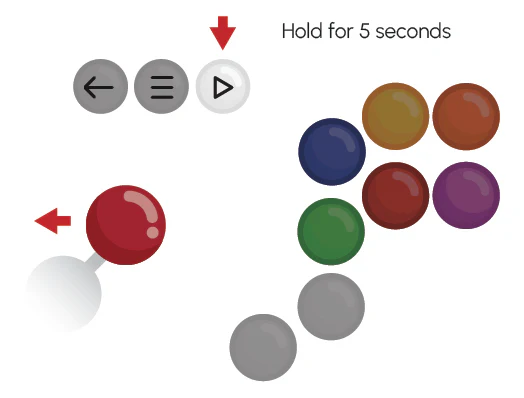
Change to D-pad mode by pressing the start button and pushing the joystick up, and hold both for 5 seconds.
Left stick mode
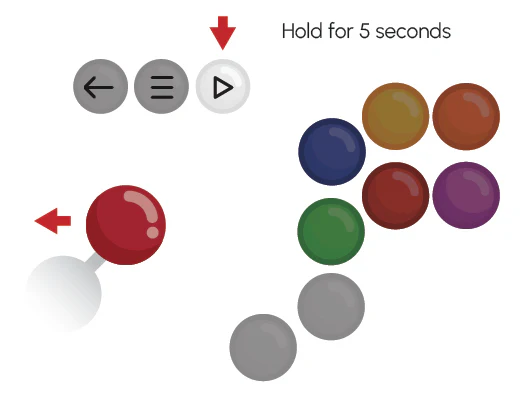
Change to D-pad mode by pressing the start button and pushing the joystick left, and hold both for 5 seconds.

Right stick mode
Change to D-pad mode by pressing the start button and pushing the joystick right, and hold both for 5 seconds.