Different power button connectorsUpdated a month ago
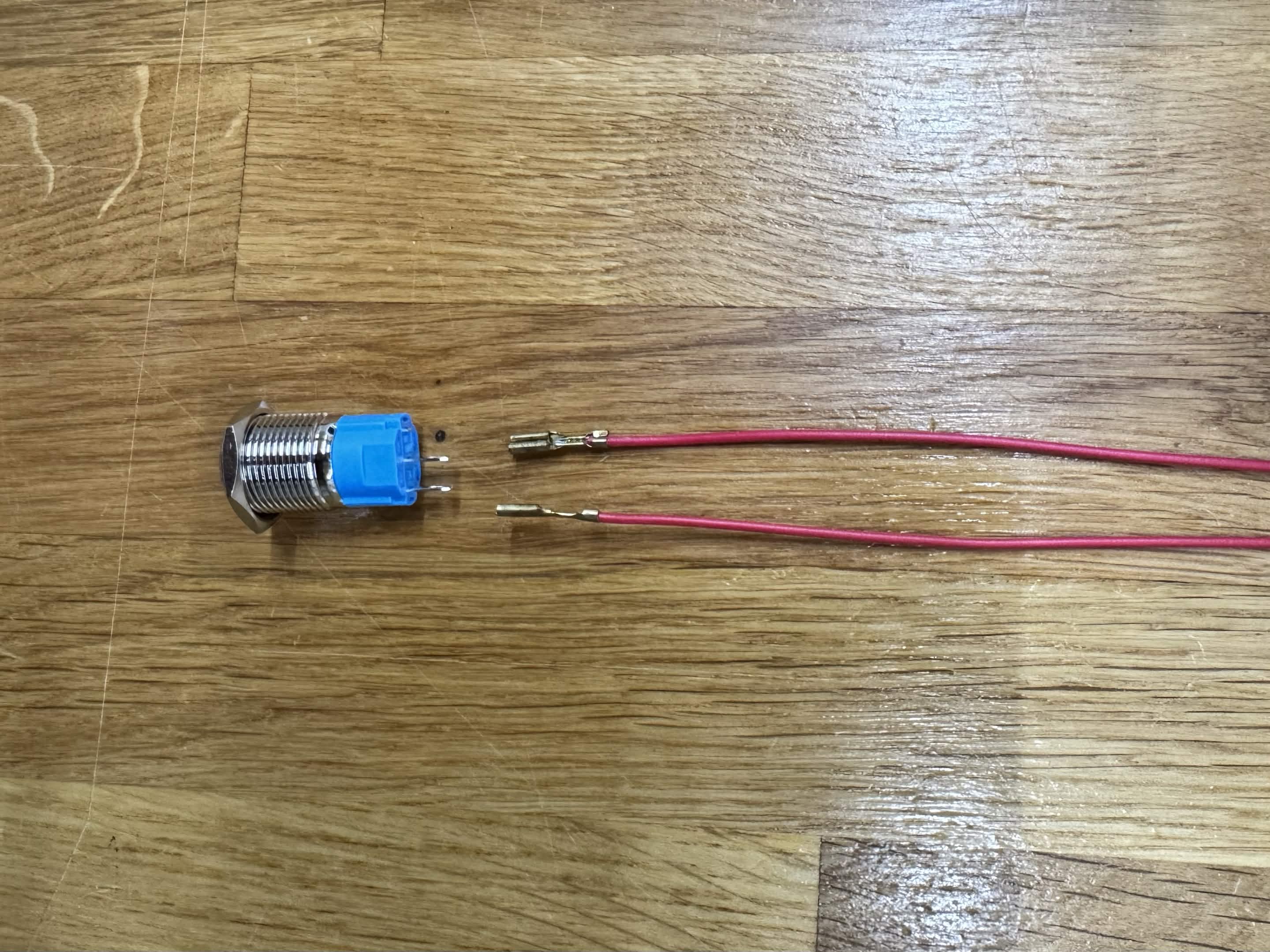
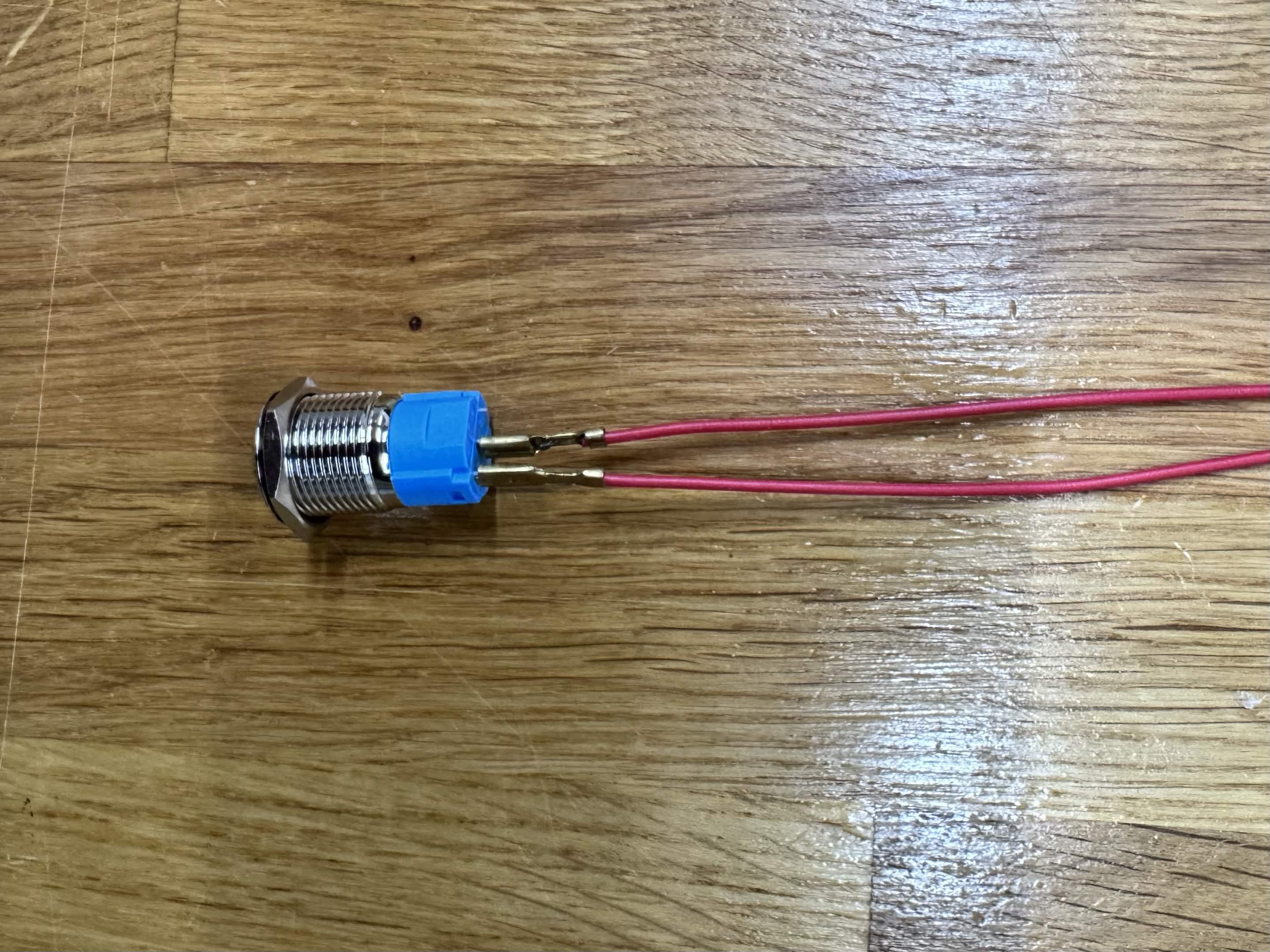
It's possible your power button connectors look different than what the instruction manual shows. If that's the case, you have the version shown below. In order to install this type of power button, follow these steps:
- Remove the hex nut from the power button.
- Insert the power button into the correct hole on the right side bottom of the Sente. Note there are multiple holes, only one is a good fit for the power button.
- Secure the power button with the hex nut.
- With the mini PC already mounted inside your Sente, plug the two connectors onto the prongs of the power button. Once both are connected, make sure the metal of the connectors is not touching.