
Gameplay controlsUpdated 9 months ago
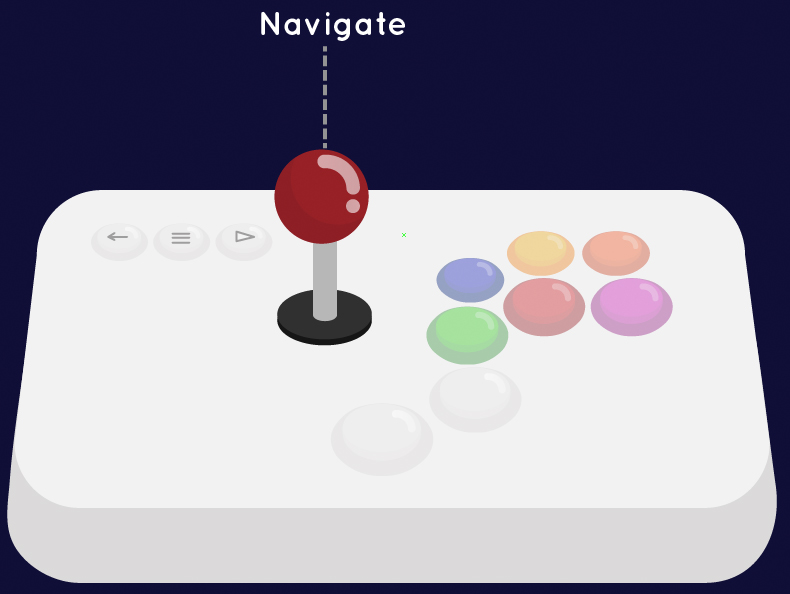
Joystick
Use the Joystick to navigate to the game you want to play

Green
Use the Green button to Select a game. The Green button also acts as the main Select button in most modern games:

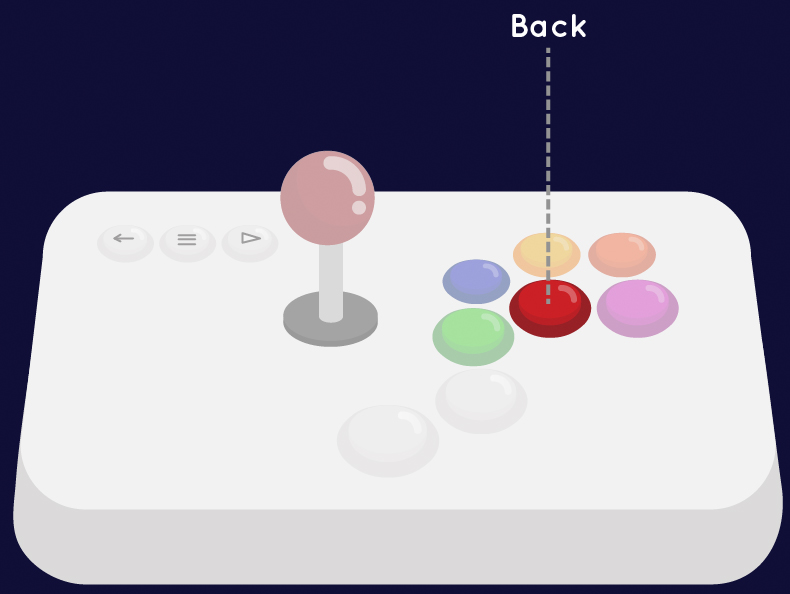
Red
Use the Red button to go Back while in game or while in most menus:

Start
Use the Start button to start classic/retro games
Option
Use the option button to add Coins/Credits in classic arcade games. It also acts as the NES select button.
Exit
When in game, use the Exit button to pause and view game Instructions or Exit a game.
